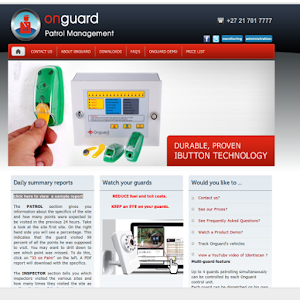
ID: za.co.grab.onguardguardenrol
Version: 1.0
File Size: 0.4Mb
Onguard - Onguard enrol System Screenshots

Onguard - Onguard enrol System Details
To get yours cards, follow these easy steps.Go to www.onguard.co.za
Step 1. Log on to the admin section of Onguard. Under the heading Configure, select Companies.
Click on Personnel. Click on the "+" sign to add a staff member.
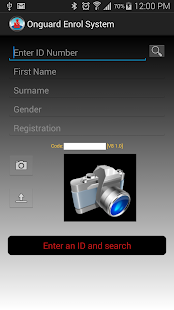
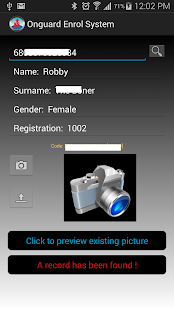
Step 2.Once you have added the staff records, You are ready to add the photo. To add the photos, install the android app
on your mobile phone. Type the id number of the person whose photo you will take. Point and shoot and its done. get your app here !
Step 3. Order your Id cards. To do this, log back onto Onguard admin and click on Order ID card.
Features of Onguard - Onguard enrol System 1.0
1. You can now preview captured images after a search2. Fixed a bug that cased the app to crash when loading and searching.
3. New icons and logo.